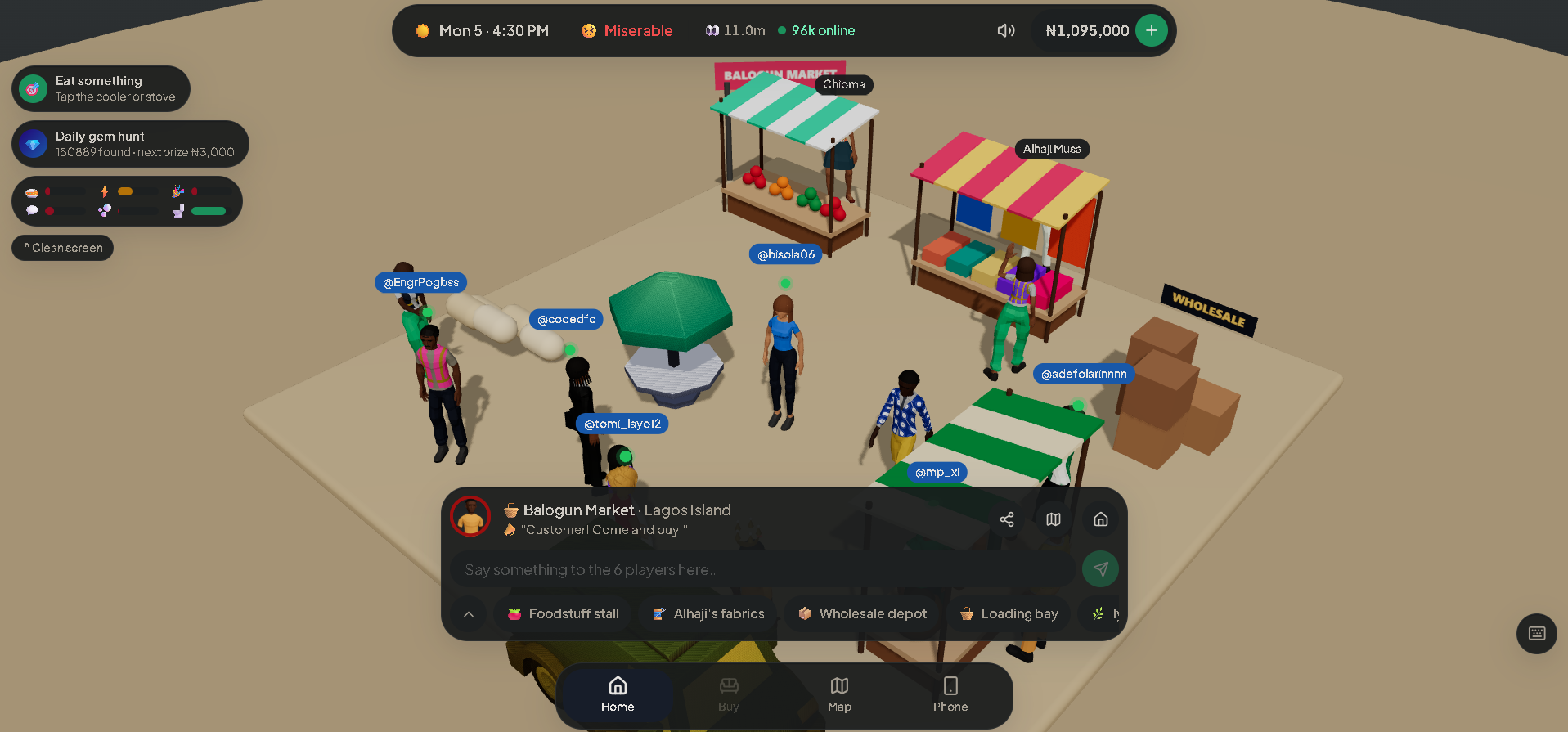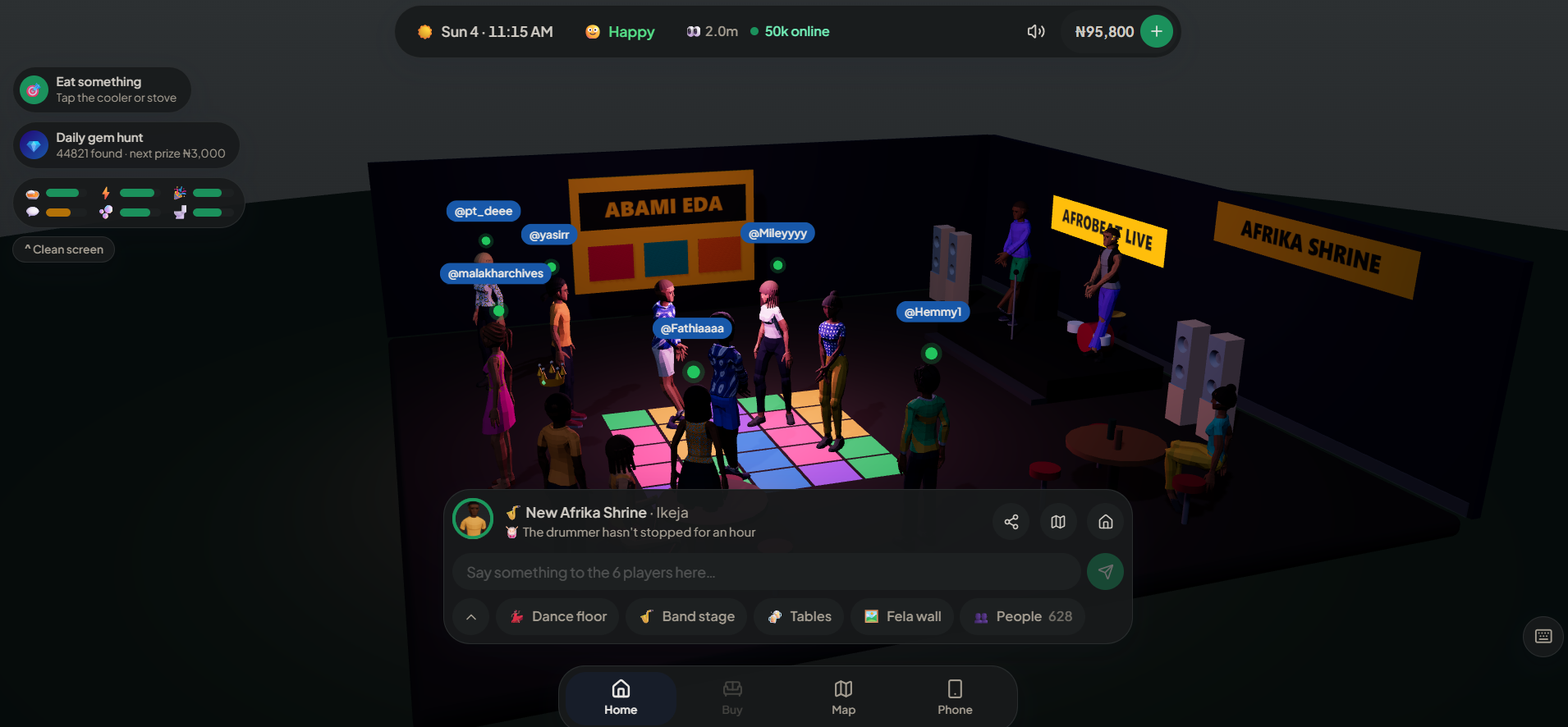
To play LagosLife, start at lagoslife.app. Its homepage offers Sign up and Log in. LagosLife Buzz is an independent publication: reading this guide does not create a game account. [1]
Before you sign in
LagosLife is a Nigeria-inspired life simulation for adults aged 18 and over. Its current terms identify Shalom Rayhamen as the operator. [2]
Check the address before entering account details. A community post, fan guide or similarly named website is not the same thing as the game’s account screen. Bookmark the official entry above so your next visit starts in the same place.
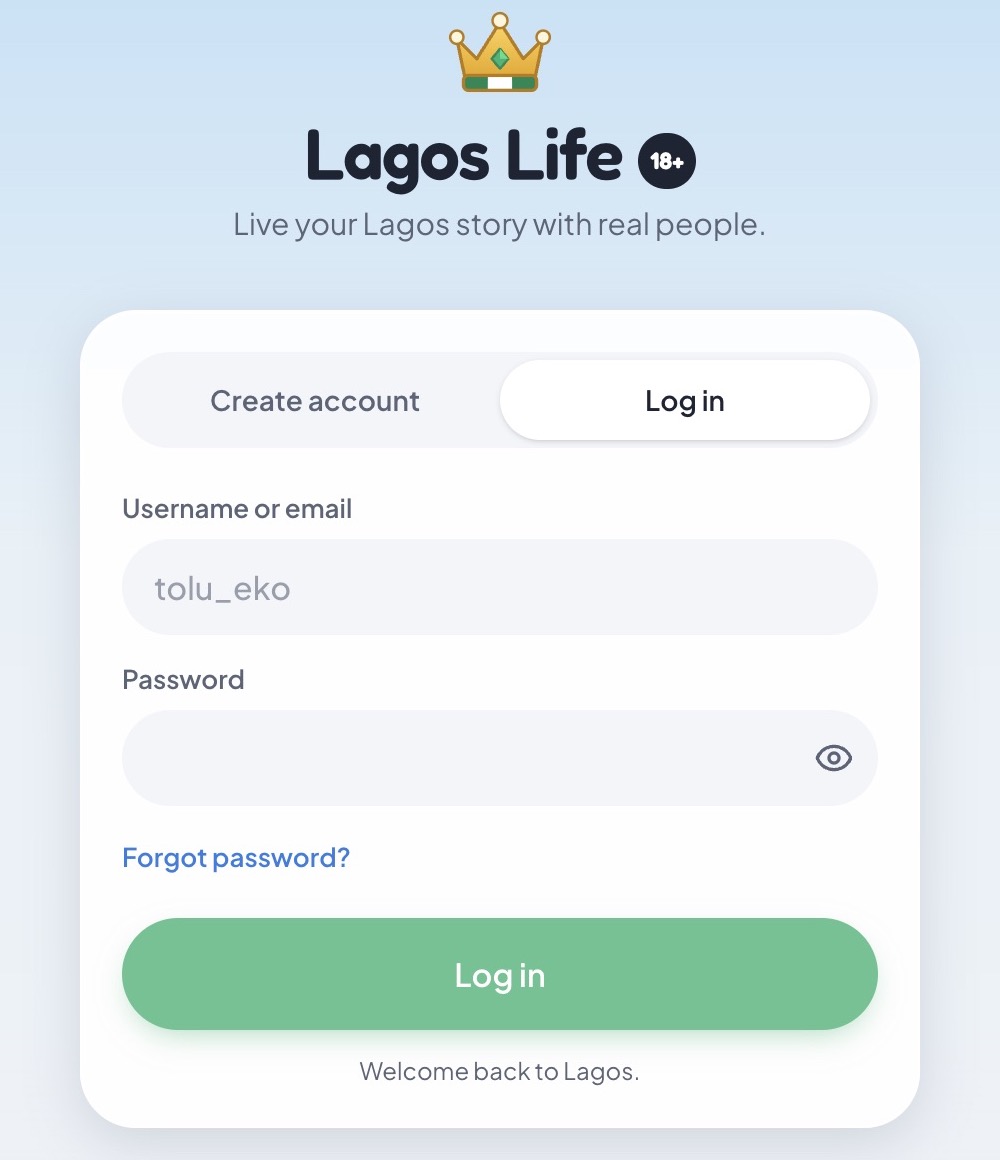
Our 7 October check found a login form asking for a username or email and password. After the account holder signed in, we also inspected the home, Needs panel and Map. [1]
Your first moments inside LagosLife
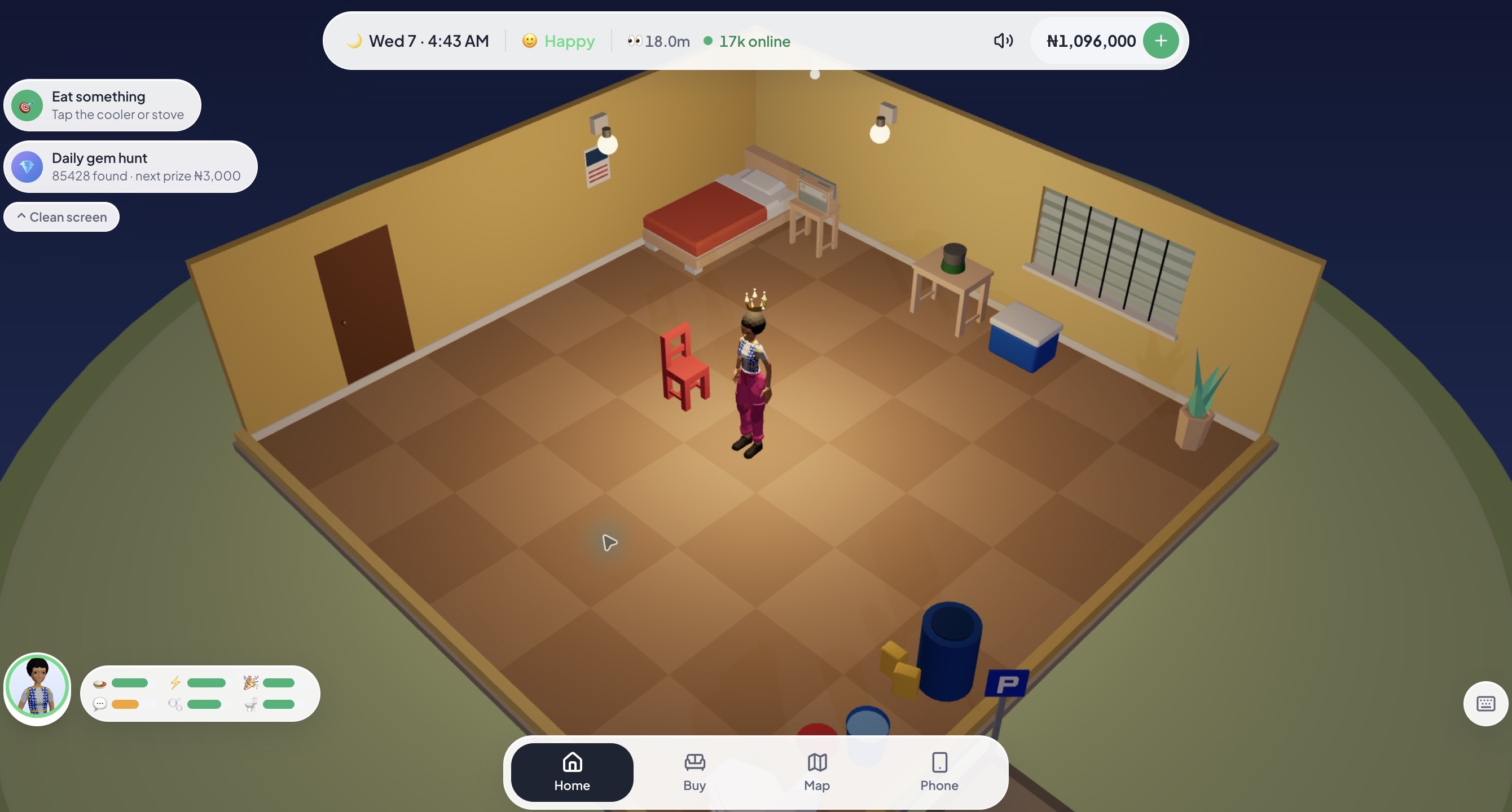
At the home screen, the avatar/needs bar opens six meters: Hunger, Energy, Fun, Social, Hygiene and Bladder. The bottom navigation shows Home, Buy, Map and Phone. We opened Needs and Map, then returned Home. Our first-visit suggestion is to locate those controls before choosing an activity; the meters in our screenshot are that account’s current state, not fixed starting values. [1]
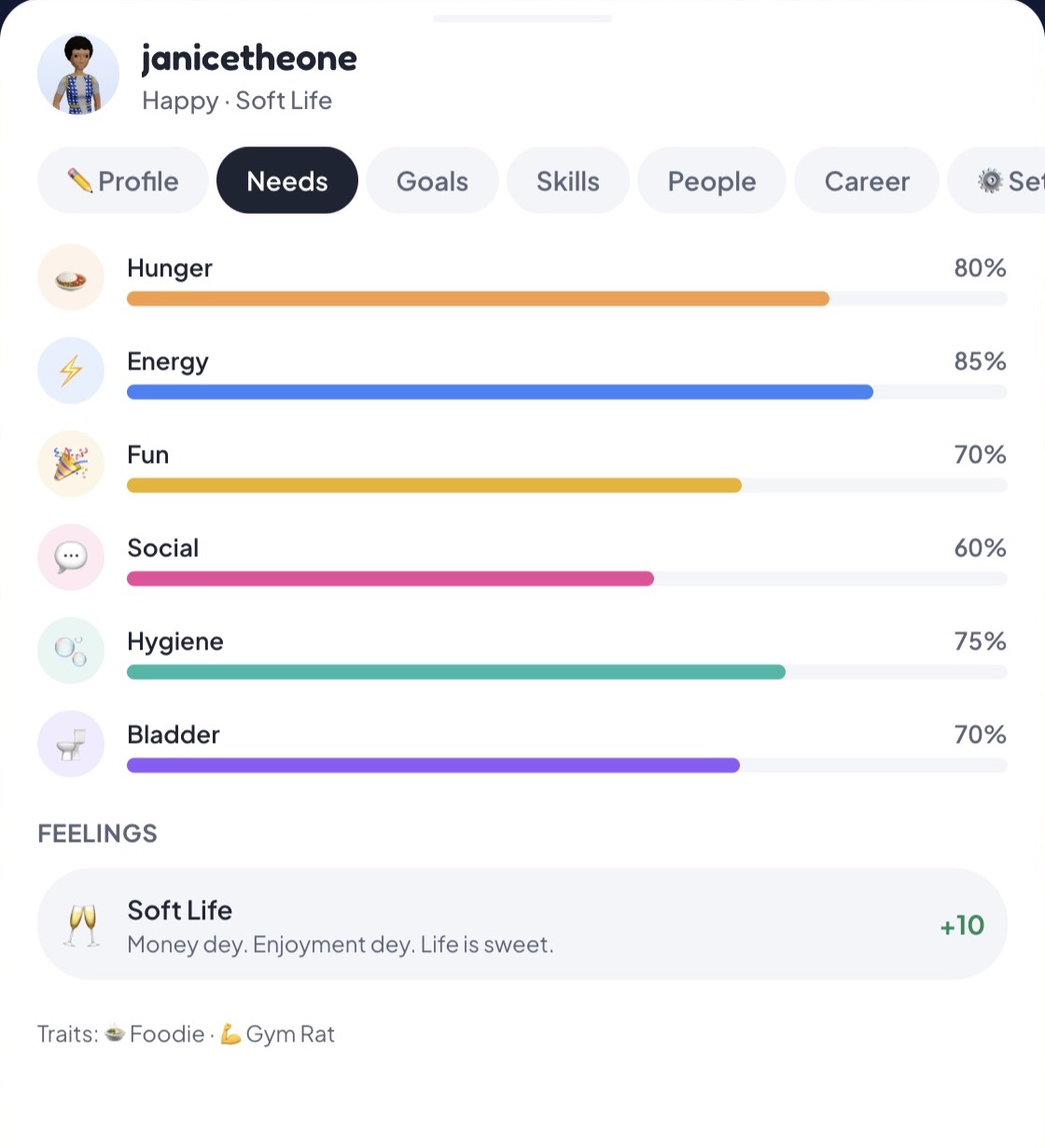
Pick a first-visit route
Our suggested starting point depends on what brought you here. Someone following a funny player post needs different context from someone deciding whether to make a purchase. Choose one question first, then return to the game to check the current interface.
| Your question | Start here | What to look for |
|---|---|---|
| What does the city look like? | City guide | Published market, home and venue images, with their sources. |
| What happens if I pay? | Money and purchases | The difference between a virtual balance and a real payment. |
| What happens to my account information? | Privacy and saved data | Messages, device information and deletion questions. |
| Why are people sharing it? | Community stories | The original post, its date and the surrounding context. |
If sign-in is not working
The login form includes Forgot password? Its recovery panel says to enter a username or email and explains that a reset link can be sent if the account has an email. We inspected this empty form but did not submit a request or verify email delivery. [1]
Write down the page address and the exact message you see before trying anything else. Note whether you are creating an account or returning to one. This gives you a clearer question than “the game is broken” and avoids mixing an account issue with a payment issue.
Do not send passwords or one-time codes to a fan page. Use the contact details on the official policies if you need account help. Buzz can correct a guide, but cannot inspect your game account or restore a character.